Round Dot QR Codes for Bulk Printing
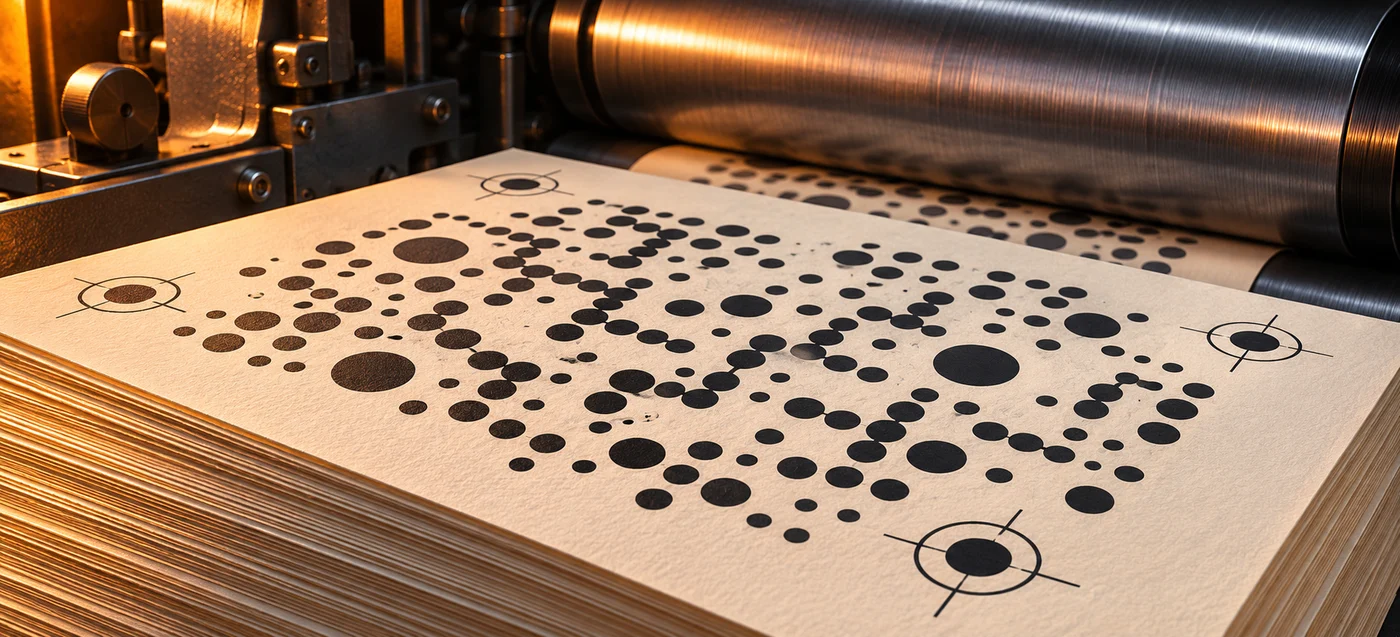
Before printing 1,000 copies or a million, scan a dummy proof and then approve a sample made with the final artwork, stock and finish. A QR code with round dots can link readers to a page from a book, magazine, label or package. The printer still needs a proof that scans at the size and under the conditions readers will encounter.
Download the vector sample
The sample uses QRSen’s Dots style, with circular modules and three round finder patterns. The vector PDF has a 33 × 33 mm page. That includes a 25 × 25 mm pattern and a 4 mm clear margin on each side. The sample points to the QRSen homepage.
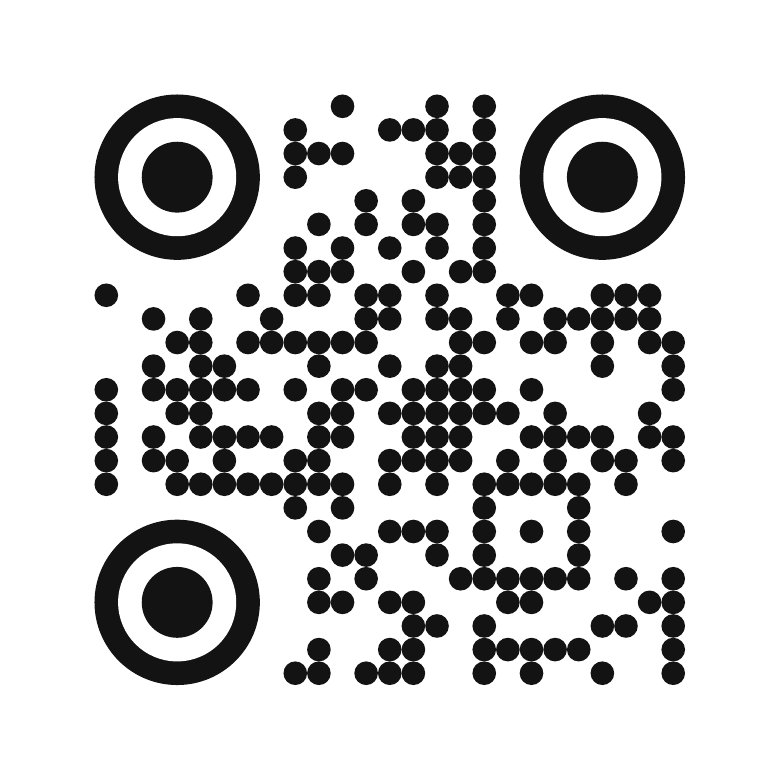
Download the vector PDF with round dots
We rendered the PDF at 600 ppi and verified that jsQR 1.4.0 decoded the expected URL. That checks the sample file. Use a printed proof to check how ink, coating, lighting and the reader’s camera affect the finished piece.
Set up the QR artwork
- Open the QRSen generator, enter the final URL, and choose Dots for round modules and circular corners. Start with dark modules on a plain light background.
- Export PDF for a vector handoff or SVG if your designer needs an editable source. Ask the printer which PDF standard and color settings the complete job requires. See the vector PDF export guide.
- Place the code at its intended size and preserve at least four modules of clear space on each side. Measure from the edge of the pattern. Add space in the layout if the export’s margin is too narrow. DENSO WAVE’s sizing guidance explains how to calculate the margin.
- Keep the pattern clear of trim, folds, binding gutters, curved edges, and reflective finishes. If it scans inconsistently at the size you need, compare a version with square modules at the same size before approving the artwork.
For a retail checkout barcode, ask the trading partner which symbol, data and verification grade it requires. GS1’s retail implementation guide covers barcode verification at checkout.
Approve the dummy, then check the production run
| Checkpoint | What to verify |
|---|---|
| Layout dummy | Print at actual size. Scan the code and check the exact URL, the page it opens, and whether the mobile page is usable. |
| Finished proof | Use the production stock, ink and finish where possible. Test after trimming, folding, binding or laminating. Scan on representative iPhone and Android devices from the expected distance and under the expected lighting. |
| First production samples | Scan samples from different positions on the press sheet or web. For a bound book, scan with the page opened normally. For a label, apply it to the final surface before testing. |
| During and after the run | Agree on sampling intervals and acceptance criteria with the printer. Recheck after a change to the stock, ink, artwork or press settings. Stop and investigate if a sample fails or opens the wrong destination. |
Keep the approved PDF, the exact destination, the finished dimensions, the tested devices and the signed proof with the job record. If codes vary by SKU, edition or copy, verify the URL for each item before printing and scan examples from each batch. See the print troubleshooting guide for isolating size, contrast and margin problems.
Decide who controls the destination before printing
Static QR codes. One static code can be printed on any number of copies. The symbol has no scan cap or expiry of its own. A printed copy remains useful while the pattern is readable and the destination is reachable. For a book or label that needs to last for years, encode a stable URL on a domain you control and keep that URL working as the content changes.
Dynamic QR codes. A QRSen dynamic QR code points to a hosted redirect. You can change the destination in your dashboard after printing while the redirect stays active. QRSen offers a free tier and paid plans with higher dynamic QR limits. Those limits apply to the number of active codes in the account. A million copies of one design can share one code. Before approving a large run, assign someone to maintain the account and test destination changes on the printed proof.